
Help for the Shopsystem:
| Welcome to the REHAU promotional products shop |
In order to help you find your way around this online store, you will find below a little help and answers to the most important questions.
If you have any further questions, please do not hesitate to contact us.
Contact person:
Full Service Team
rehau-collection@kolibri.net
| Logging in via SRM or Read-Only-Link |
Countries connected to the SRM system can only access the REHAU Collection Shop via SRM. Other countries not connected to SRM register directly in the REHAU Collection Shop and can access the shop after approval. Access via the read-only link is also possible.
You can access the store directly via the SRM system and do not need to log in again. After transferring the shopping cart, you will be returned to the SRM-System, where you can then finalise the order.
After you have registered directly in the shop, you can process orders directly via the shop - please note that this only applies to countries that are not connected to the SRM system!
Via the Read-Only-Link (https://rehau.koli-bri.net/en/internal) you can access the store without your own account. This access is only for viewing the articles - no orders are possible.
By clicking on "My account" (button see below) you will get to your personal data.

| Filter function |
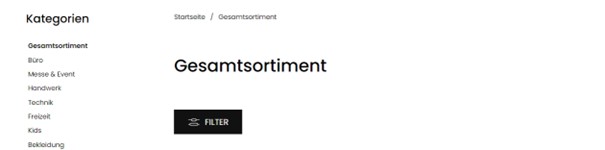
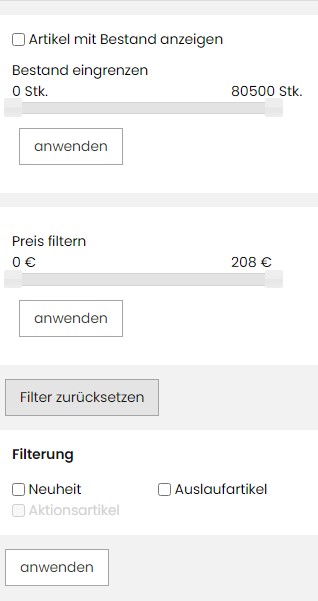
The "Filter" button opens the price slider on the left side of the screen.
You can narrow down the stock in pieces and filter the price.
| Article information (prices, VPE, call article and put it into the shopping cart etc.) |
Call item details
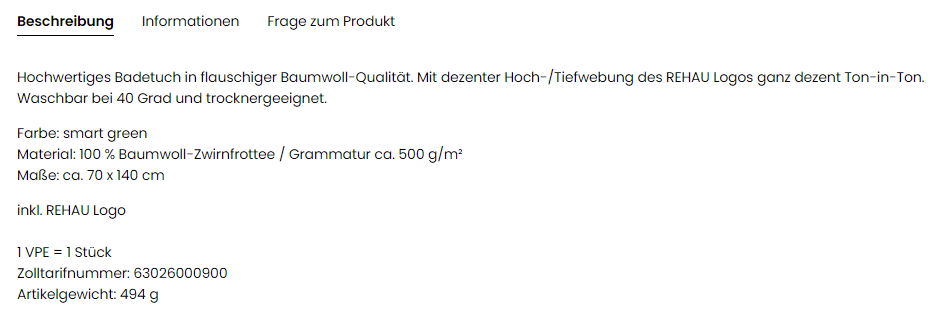
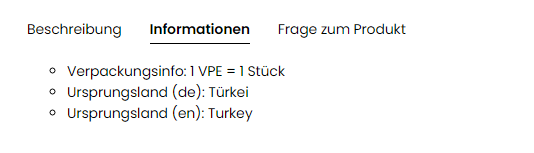
By clicking on "view", a detailed article description will be displayed. In addition, you will find all variants (sizes, colors, etc.) as well as the packaging units (VPE) and the prices.
In addition, you will find a size chart for all textiles to determine your ideal fit.
Add item to the shopping cart
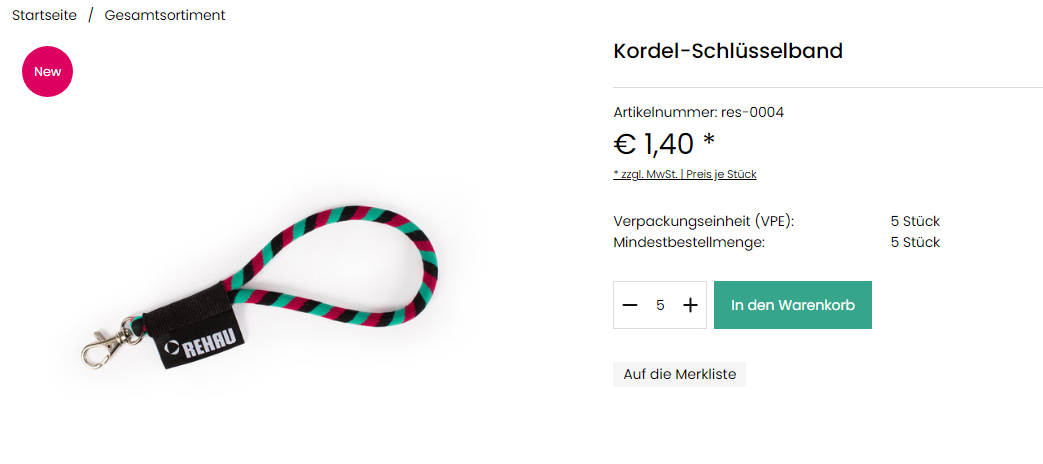
Enter the desired order quantity in the input field and then click on the shopping cart icon. Please note that the quantity must be entered in pieces. If you enter an incorrect quantity, you will receive an error message. Alternatively, you can also enter the quantities using the + and - controls.
The prices are given per piece and per VPE and are exclusive of VAT.
| Place order |
Click on the shopping cart icon at the top right to access the shopping cart.

In the shopping cart you can see all the items you have added to the cart.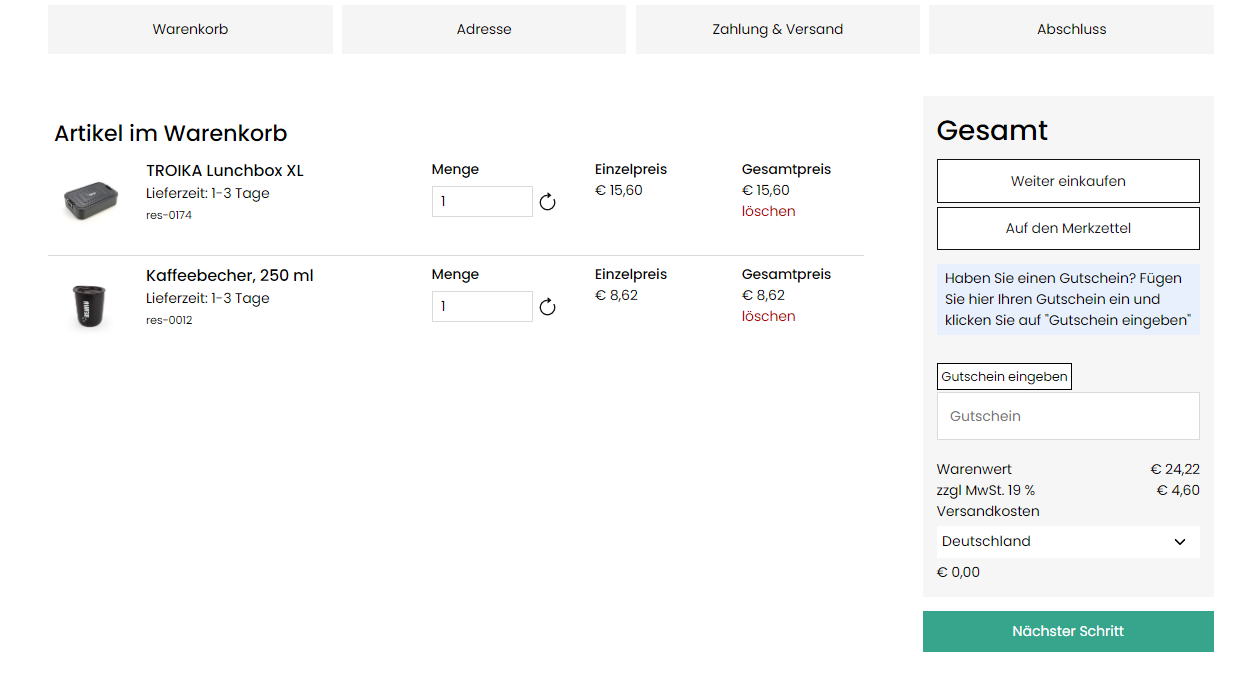
You can also select the country of delivery and the amount of the freight costs incurred will also be displayed.
For customers who order via the SRM system, the next step takes you back to your SRM system.
| Demand Assessment (pre-order article) |
The article is displayed on the start page as a "pre-order article for edition determination". The key data of the campaign (description, deadlines) and the expected price are displayed. The displayed countdown shows you directly how long the edition determination of this article will still be online.
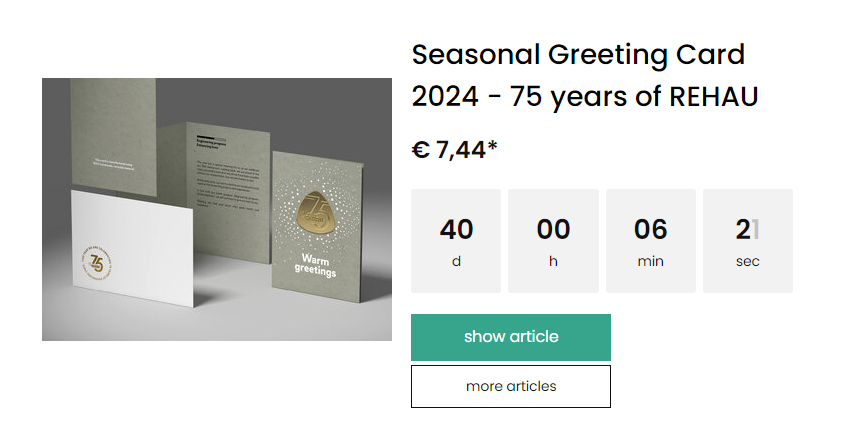
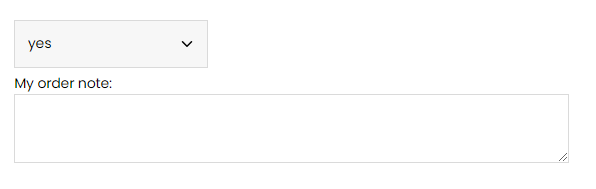
In the detailed view of the item you can now enter your quantity and, if you wish, enter a personal note in the "Order note" field. To do this, select "yes" in the drop-down menu Order note. You can then enter the note and place the item in the shopping basket.
The shopping basket clearly shows which items are pre-order items and which items are "normal" stock items. The notes stored in the shopping basket are also visible.
The shopping basket clearly shows which items are pre-order items and which items are "normal" stock items. In the shopping basket you can also see the recipients entered via the order note.
To finalise the pre-order, please click on the button "Transfer shopping basket" in the shopping cart.
Under the item "Pre-orders for circulation determination" in the My Account area, all the pre-orders you have made are listed in tabular form.
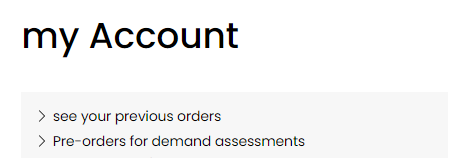
After expiry of the promotion, the price with the determined quantity is requested from the supplier.
When the action is released, you will be informed by mail.
When the status of the operations changes to "Pre-order is now available", the items will be displayed in the shopping cart and cannot be removed until the final order. Please note that your pre-order cannot be shipped until you have completed the final order step. For this final order, of course, "normal" stock items can be added to the shopping cart.
Please note that we can only deliver the pre-ordered items if you go back to the shop after receiving the "Pre-order is now available" notification and place a final order for the items that are now firmly in your shopping basket. It is important to note that pre-ordering the items already creates a binding obligation to purchase.
| Complaint procedure for damage and defects of packages |
1. Package received with external damage:
If you receive a package with obvious external damage, we strongly recommend that you refuse to accept it because of the damage. The package will then be returned to us. We will file our claim with the shipping service provider and send you a new package immediately. Please inform us of the refusal of acceptance, write an email with order number to: rehau@kolibri.net
2. Package without external damage, but damaged contents:
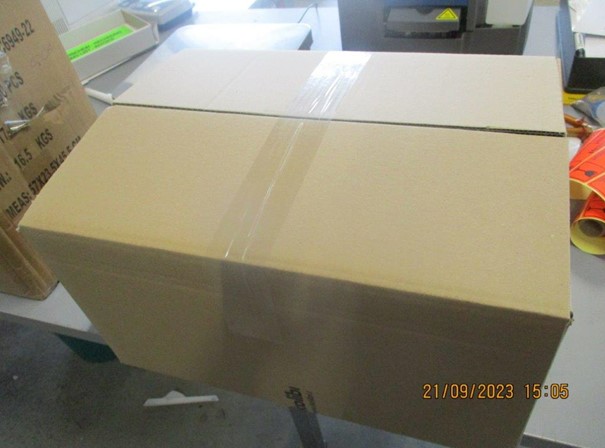
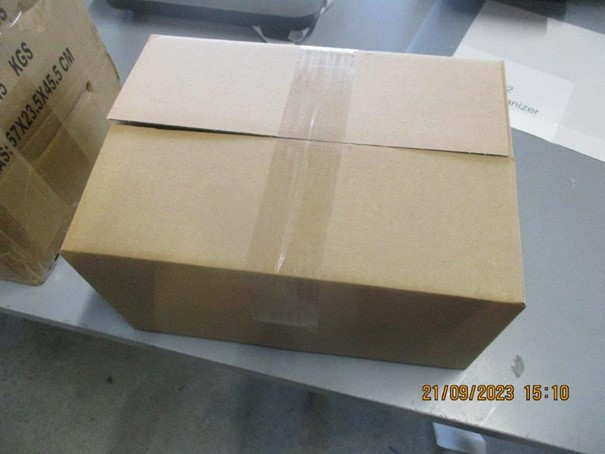
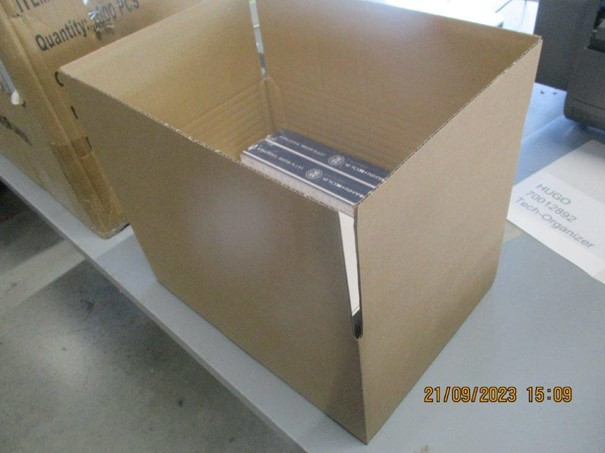
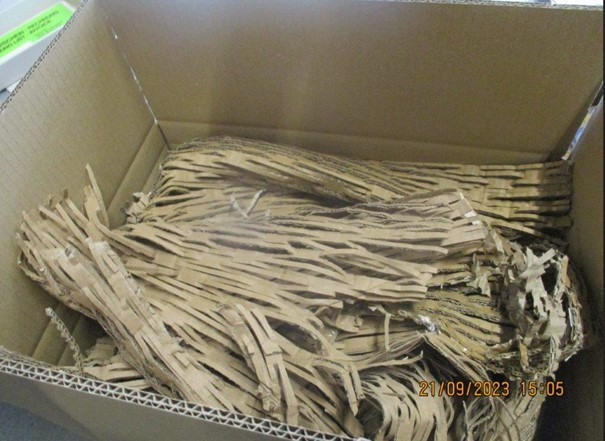
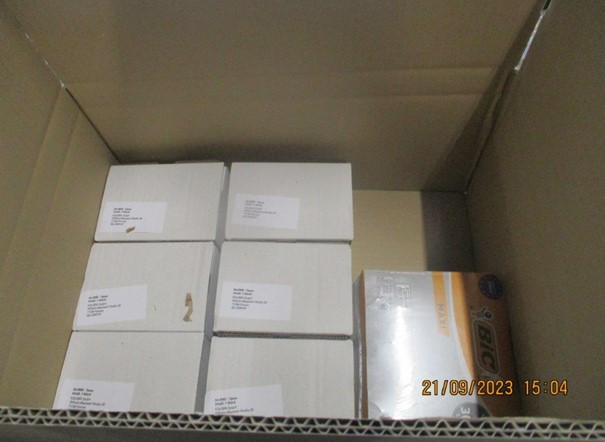
If the package appears fine on the outside, but the contents arrive damaged, pictorial documentation is very helpful. We ask that you take pictures of the shipping carton and the arrangement of the items inside. These pictures are critical in order to efficiently process the claim. After reviewing the documentation, we will coordinate with you on whether you will receive a replacement shipment or a credit for the damaged items. Please send the pictures including order number and a brief description to: rehau@kolibri.net
Example images for correct documentation in case of damage:
| Shipping methods / freight charges / payment methods |
Delivery times
Normal shipping Germany
Shipping is usually within 1 to 3 business days after receipt of order (if the desired items are in stock).
EU or outside Germany
The delivery takes about 1 to 3 weeks after receipt of order, depending on the country of delivery.
Calculation of freight costs:
The freight costs are calculated according to the delivery destination and the weight of the goods.
The final freight cost price is made up of the freight price, diesel and mobility surcharge, truck toll and security surcharge, including handling and packaging.
For third countries, the pro forma invoices and, if required, the export accompanying documents are also included in the calculation.
From a quantity of 10 parcels, the order is shipped as a pallet.
The store calculates the pallet prices for Germany, Belgium, Switzerland, France, Italy, the Netherlands and Poland. The pallet prices and the parcel prices are displayed on the "Shipping method" page.
For all other countries, the freight costs are shown per parcel. Therefore, the price may differ from the actual freight price.
In this case, the freight costs for shipping by pallet must be requested from our warehouse.
Once the order has been handed over to our warehouse and packed, we will then receive the dimensions and weights.
Therefore, the actual freight price incurred may vary accordingly, as the store can only calculate the freight costs per package and the freight costs vary as soon as the goods are shipped on pallets.
We receive the actual freight price after the goods have been packed. This is then significantly cheaper than the amount previously shown in the store.